


- Email: [email protected]
- Call / WhatsApp Us: +91 70650 40985
Related Products
-
Wondershare Allmymusic for Mac
INR 2145.36 -
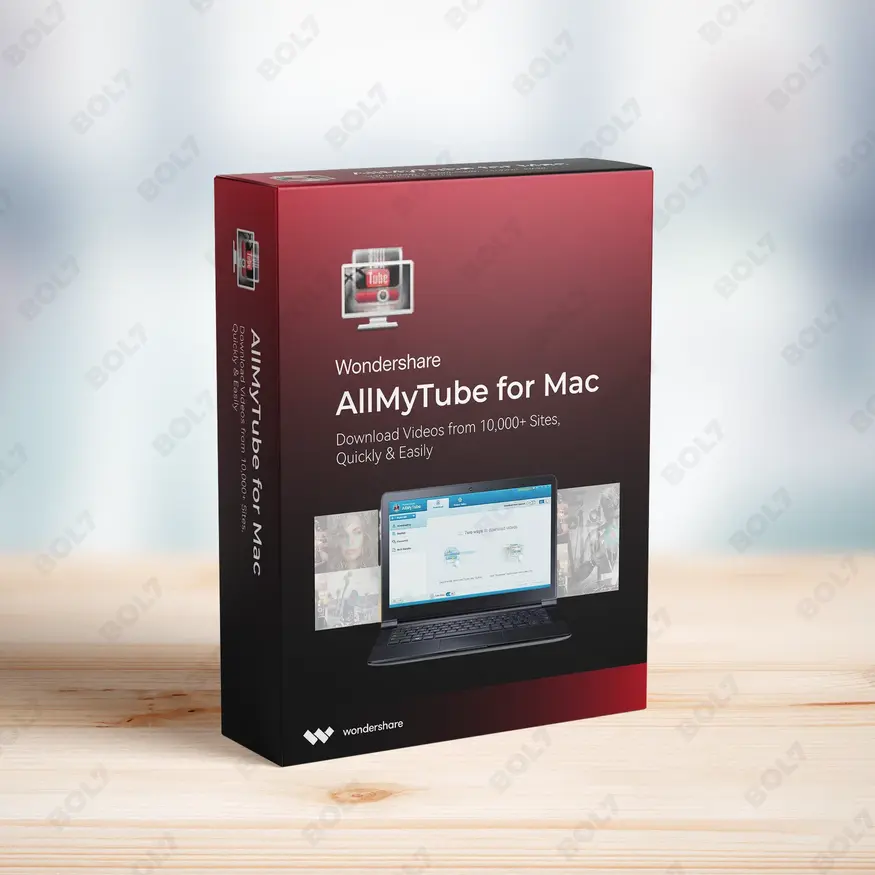
Wondershare AllMyTube for Mac
INR 2145.36 -
Wondershare DVD Creator
INR 2955.42 -
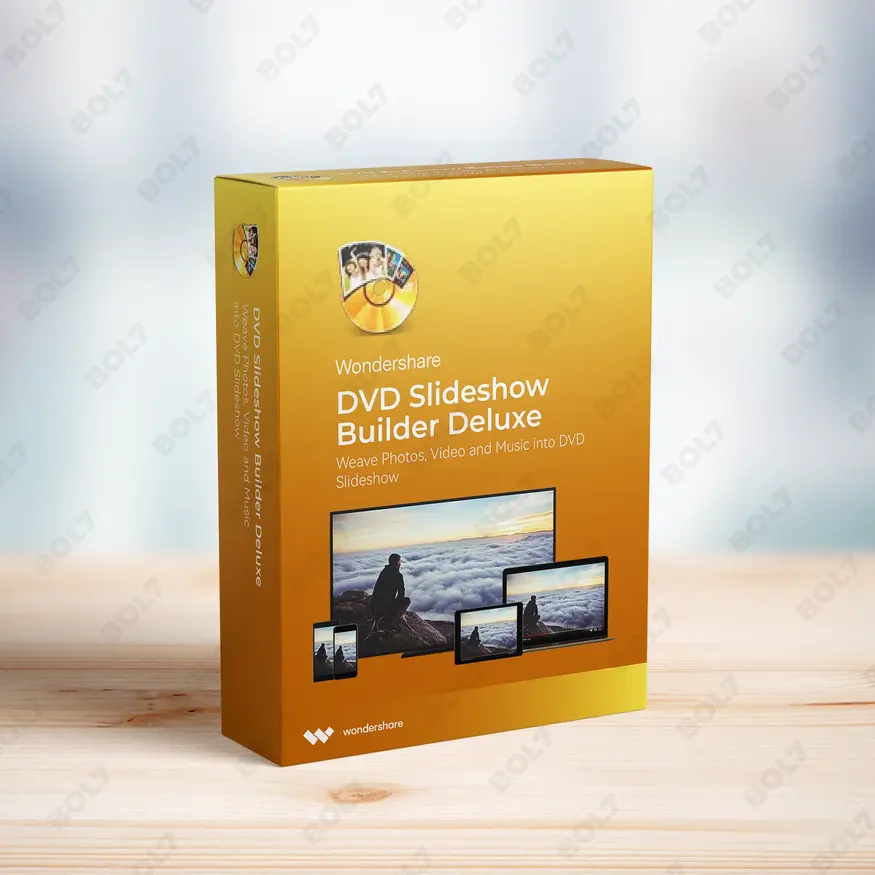
Wondershare DVD Slideshow Builder Deluxe
INR 5174.75 -
Wondershare TunesGo Win - iOS & Android Perpetual
INR 4419.47 -
Wondershare Dr.Fone iOS Erase For Mac
INR 3473.13 -
Wondershare TunesGo Win - Android Perpetual
INR 2945.08 -
Wondershare TunesGo Mac - iOS Devices Perpetual
INR 3682.27
Other Products
- EaseUS Data Recovery Wizard Mac Technician Yearly
- SUSE LES SAP Power Virtual Priority 3 Years
- Adobe Stock Teams (Large) 1 User Yearly
- Wondershare PDFelement V11 Cross Yearly Plan
- My-Leader.info
- Mobile Number Database for Myanmar
- EaseUS BitWiper Technician For Yearly Subscription
- After Effects Edition 4 Enterprise 1 User Monthly
- Cisdem Window Manager For Mac - Lifetime License
- EaseUS Partition Master Unlimited 2 Year Plan
- Cisdem Video Player For Mac - Lifetime License
- Readiris Pro 17 for Windows PDF and OCR Software
- Tenorshare ReiBoot For Windows 1 PC 15 Devices
- Adobe Stock For Teams (Small) 1 User Monthly
- Business Owners Database Montenegro
- Quick Heal Internet Security 1 PC per Year
- Business Owners Database Dominica
- HotSpot Software - Lite Edition
- EaseUS Partition Master Server Lifetime Upgrades
- Cisdem PDF Password Remover Mac Lifetime 2 Macs
- SUSE (LES) Manager x86-64 Priority 5 Years
- ZenLifeDesigns.com
- Proton VPN 1 Month Subscription
- FirstChoiceVIP.com
- SUSE (LES) Live Patching IBM Z Priority 5 Years
Edit and create videos with AI tools like Smart Cutout, Auto Reframe, and Text-based Editing using Wondershare Filmora 13 for Windows. Lifetime access with a perpetual license.
Key Features: Wondershare Filmora 13 For Win - Perpetual License
- AI Copywriting: Automatically generate text for your videos with AI Copywriting. This tool helps create compelling captions, subtitles, and other written content quickly.
- Auto Reframe: Adjust the aspect ratio of your videos with Auto Reframe. This feature ensures your videos look great on various platforms, whether it's square, portrait, or landscape.
- AI Smart Cutout: Use AI-powered Smart Cutout to remove backgrounds from your videos. The tool helps in precise cutouts, ideal for creating professional-quality content.
- AI Portrait: Enhance your video portraits with AI Portrait. This feature applies advanced AI algorithms to improve facial recognition and adjust skin tones, lighting, and details.
- Text-based Editing: Edit videos efficiently with Text-based Editing. Modify subtitles, captions, and text directly, making it quick and easy to personalize your videos.
- Intuitive Interface: Wondershare Filmora 13 offers an intuitive and easy-to-navigate interface. It’s designed for both beginners and professionals to create stunning videos with ease.
- Drag-and-Drop Simplicity: Enjoy simple, drag-and-drop editing. Just drag media files into the timeline, arrange them, and start editing with minimal effort.
- Export Selected Clips: Select specific clips to export and save time by only exporting the parts you need. This feature ensures a quick and streamlined process.
- Filmora Cloud: Store your projects and assets securely in Filmora Cloud. Access your projects from any device and collaborate seamlessly with your team.
- Perpetual License: With the perpetual license, you get lifetime access to Wondershare Filmora 13. Enjoy all the premium features and free updates without worrying about recurring charges.
Simple Steps To Get Started
- Purchase the Perpetual License: Visit the bol7 platform to purchase the perpetual license for Wondershare Filmora 13. After purchasing, you will receive an email with the download link and activation key.
- Download the Installer: Click the download link in your email to get the installer file. Once it’s downloaded, find the file on your computer and double-click to open it.
- Run the Installation: Follow the installation prompts to install Wondershare Filmora 13 on your Windows PC. The installation process is quick and simple.
- Activate the Software: Open Wondershare Filmora 13 and input the activation key sent to you via email. This will unlock all premium features and allow you to start editing videos.
- Start Editing: Once activated, you can begin editing your videos. Take full advantage of AI-powered tools like Smart Cutout and Auto Reframe to create professional video content.
Technical Support:
Call / WhatsApp Us:
+91 70650 40985
Email: [email protected]
Sales Support:
Call / WhatsApp Us:
+91 70650 40985
Email: [email protected]
More Products
Cisdem PDF Password Remover for Mac lets you easily unlock both open and permission passwords from …

Intego Antivirus for Windows offers comprehensive security for 21 to 50 PCs, making it an ideal …
The Cisco SG-300-28 Switch (Refurbished Grade A) is a managed Layer 3 switch with 26 Gigabit …

MiniTool Partition Wizard Server with Lifetime Upgrade Service is a reliable partition management tool for Windows …
Wondershare PDFelement 8 Pro for Windows provides powerful PDF tools to help you create, edit, and …

The Business Owners Database for Turkmenistan is a powerful resource for businesses seeking Verified B2B Email …
The Cisco 1921 Integrated Services Router delivers secure, high-speed connectivity for small and medium businesses. With …
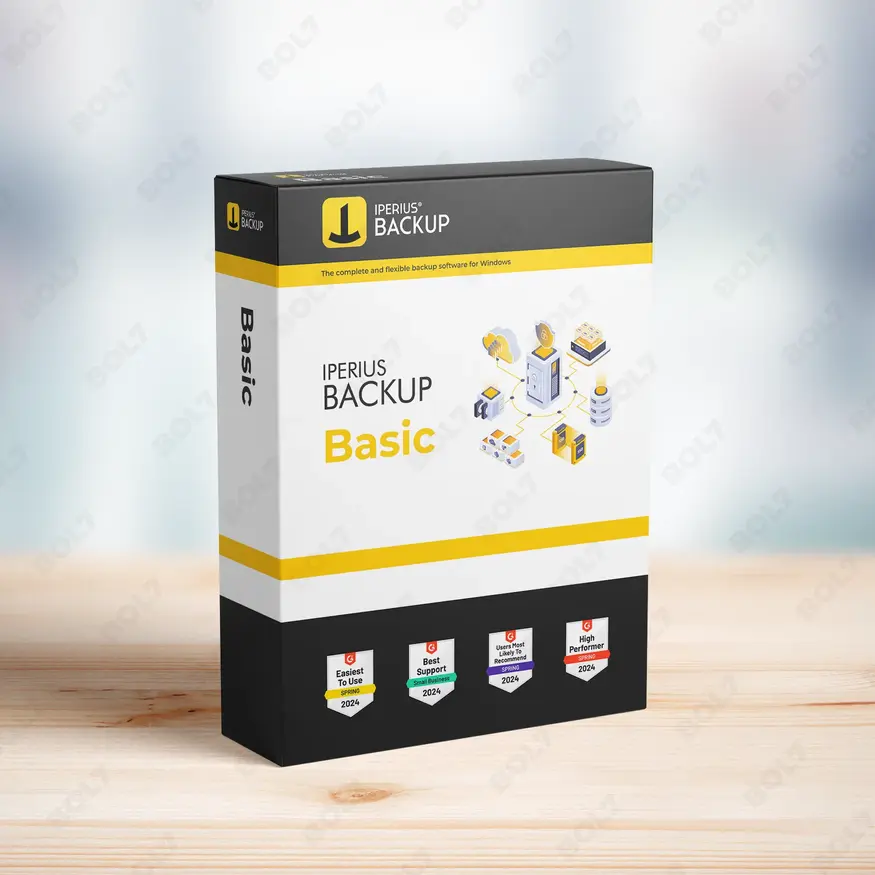
IB Basic is a comprehensive backup and recovery solution with drive imaging, disaster recovery, bare metal …

Useful Links
Get In Touch
[email protected]
+91 70650 40985
- live:hemant_136
A-27J, Noida Sec 16, Gautam Buddha Nagar, Uttar Pradesh 201301
Stay connected & Informed
Join our WhatsApp Channel
ⓒ 2024 BOL7 All Rights Reserved
Don't Miss Out...
Take up to 2% off your first order!
Use the discount code below and save 2% on this order now.
Coupon Code Copied!